


Email: Share with your network
If the template of your mailing defines it for certain elements (swyn='true'), the additional tab 'Share with your network' (SWYN) appears when you edit such an element.
It lets you display buttons for Facebook, Twitter, Google+ etc. that every subscriber can use to share the content of the respective element or article on social networks.
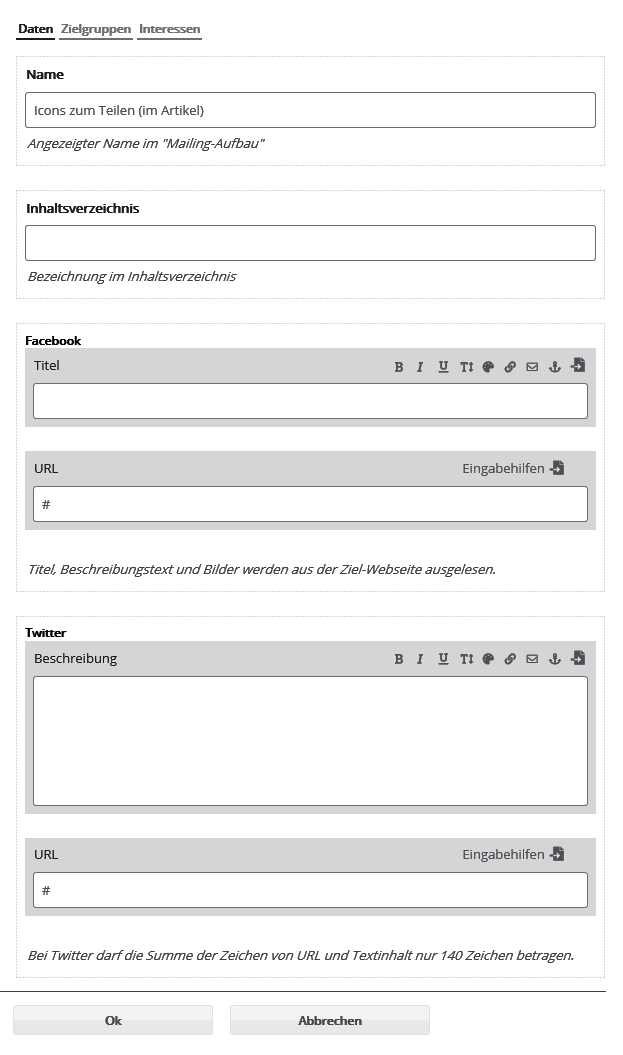
Under 'General' you can now make default settings and apply them to all social networks. You can enter a description, URL (specific link), source (www.webadresse.de) and title of the post.
Click 'Apply' to copy this information automatically into all SWYN fields.
However, filling in these fields is not mandatory. You can also enter the information separately in the respective sections. Not every network requires a source, for example.
Now decide which SWYN buttons to display. You can select the SWYN fields individually or click 'Activate all'. The email preview shows only the selected SWYN icons.
A final click on 'Save' applies all settings. Please always test these links yourself in the test mailing sent to you (to do so, you must be logged in to the respective network).