


Email: Attachment
|
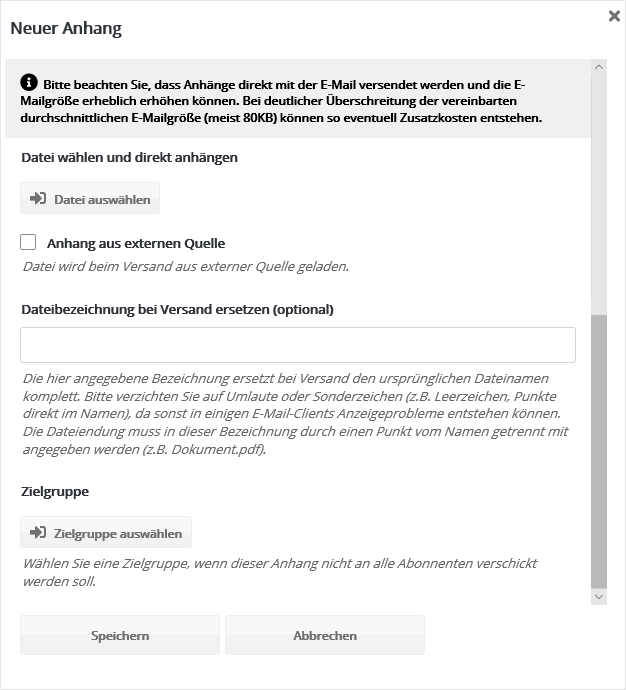
Please upload files for attachments in 'Media administration' first. Only then can you select them here after clicking 'Add attachment'. |
 |
|
After selecting the 'File' you want, enter a 'Name' for the attachment. You can use the 'Input assistance' here to address the recipient, for example with an entry such as 'Your voucher, [Salutation] [Last name]'. |