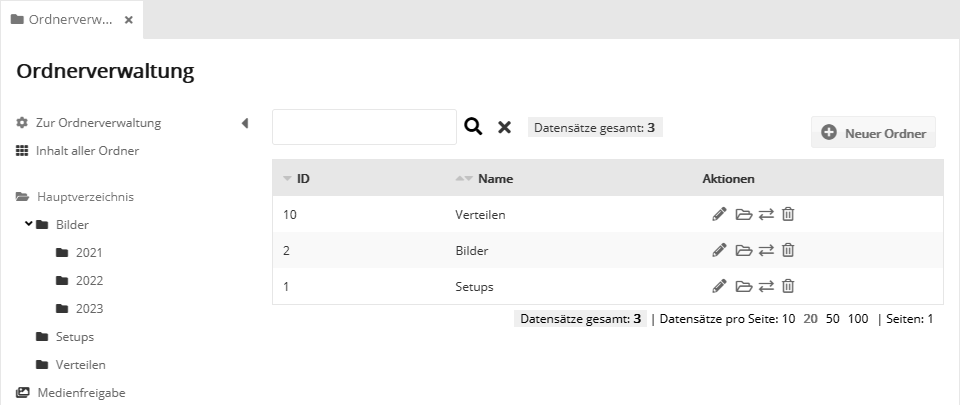
Administration: Folder administrationUse the folder administration to organize your mailings, images, target groups etc. in folders. You can create any number of folders and subfolders, for example for specific topics, departments or time periods. Select a folder on the left side. The right side shows the subfolders it contains. Use the icons in the actions column to edit, open, move or delete them.
Creating a new folderFirst select the parent folder on the left side in which the new folder should be created. Then click "New folder" at the top right. Enter a name and, optionally, a description for the folder. The new folder is then visible on the right side and available for all content. Editing a folderTo define further properties of a folder, click the edit icon of the folder. 'Settings' tabIn addition to the name and description, you can change the automatically assigned substitute (usually not necessary). 'User role' tabIn the upper section, you can select user roles if only certain users should have access to the content of this folder. By default, no restriction is selected, i.e. all users have access.
In the lower section, you can share the folder for use across accounts.
|