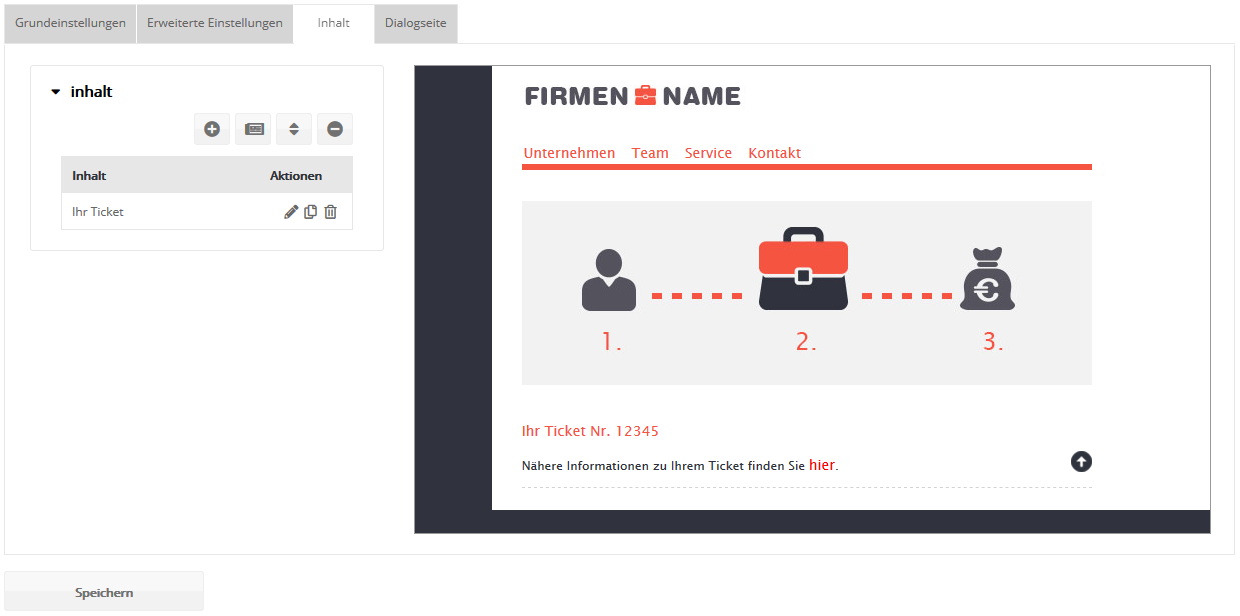
Extras: Landing pageIf you have booked the landing page module, you can create landing pages within emma whose content can be personalized with subscriber data. Landing pages act as an "extended arm" of your newsletter articles, which allows you to keep the articles particularly compact. In the articles, you tease the content and then link to your landing page for further reading. The personalization of the newsletter recipient is passed on automatically to the linked landing page. This lets you design the content of a landing page and adapt it dynamically to the target group of the individual subscriber, just as you already know it from the newsletter editor. If you do not have sufficient HTML knowledge to create your own landing page, we recommend using a landing page template. We will be happy to create such a template for you. Its layout should be based on your email template.
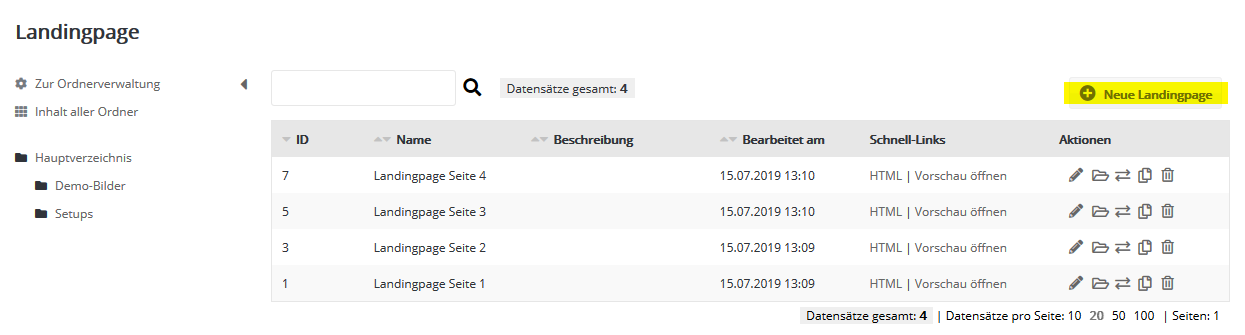
To create a new landing page, click 'New landing page' at the top right and then enter the name you want for your landing page. Basic settingsHere you enter the name and the (optional) description of your landing page. You can also select a landing page template so that you can fill your landing page without HTML knowledge.
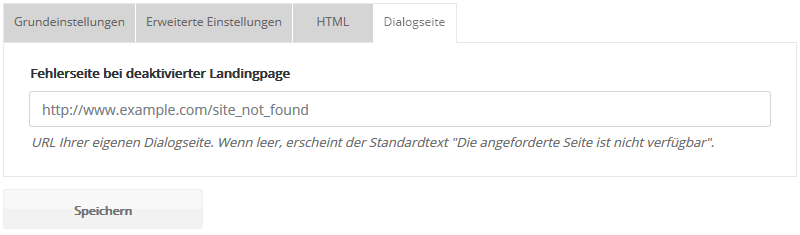
Use the '' checkbox to make your landing page temporarily unavailable, e.g. if a certain offer is no longer available. This is particularly useful for recurring offers whose landing page you do not want to delete because it should be available again later. If the landing page is deactivated and is called up (e.g. from an old mailing), either the default error message 'The requested page is not available' or a web page of your choice appears. Enter the desired URL on the 'Dialog page' tab. Extended settingsIf you need the URL of the landing page, e.g. to embed it on your website or to print it on postcards, it is displayed here. To be able to evaluate the links in the statistics, they should be monitored (tracked). To do this, simply select the 'activate tracking' checkbox in the corresponding link dialog.
|